SpinBetter Login: Access Your Account on Desktop and Mobile
SpinBetter login takes under ten seconds when everything works and up to a few minutes when it doesn't. This guide covers the standard sign-in flow on desktop and in the app, every common reason login fails, how to recover a forgotten password, two-factor authentication setup, and what to do when your account is locked. Written for Indian players, but the mechanics are identical globally.
If you're here because you haven't registered yet, head to our SpinBetter registration guide first — this page assumes you already have credentials.
Don't have an account yet?
Sign up takes 90 seconds and the welcome package is tied to your first deposit, so don't forget to enter code SPINNOW during registration.
Create an accountStandard SpinBetter login on desktop
- Open the official SpinBetter site. Use HTTPS, check the padlock in your address bar. Do not log in from search-ad landing pages you aren't sure about — typo-squatters register similar domains to phish credentials. If in doubt, type the URL manually.
- Click the "Login" button in the top-right corner. It's the non-highlighted button next to the green "Registration" button. A modal overlay opens.
- Enter your email address or phone number. Whatever you registered with. Both work — the system figures it out. The field is not case-sensitive for emails.
- Enter your password. Case-sensitive. If you use a password manager, trigger autofill. If you're typing manually and unsure, click the eye icon next to the field to reveal the password as you type.
- Check "Remember Me" if on a trusted personal device. This keeps you signed in for about 14 days. Skip this on shared or public computers.
- Click "Login". If credentials are correct and 2FA isn't enabled, you're in. If 2FA is on, you'll see a code entry field next.
How to log in on the SpinBetter mobile app
The app login is even faster because it remembers your credentials by default.
- Open the SpinBetter app. If you haven't installed it yet, our app download guide walks through the Android APK and iOS TestFlight process.
- Tap the account icon in the bottom navigation bar. If you're not signed in, this opens the login screen automatically.
- Enter your credentials and submit. Same email/phone and password as the desktop. The app remembers these between sessions, so this only happens on the first login or after a manual logout.
- Enable biometric login when prompted. Face ID or fingerprint login is offered on first successful login — accept it. Subsequent logins after the app is closed just need your biometric, no typing.
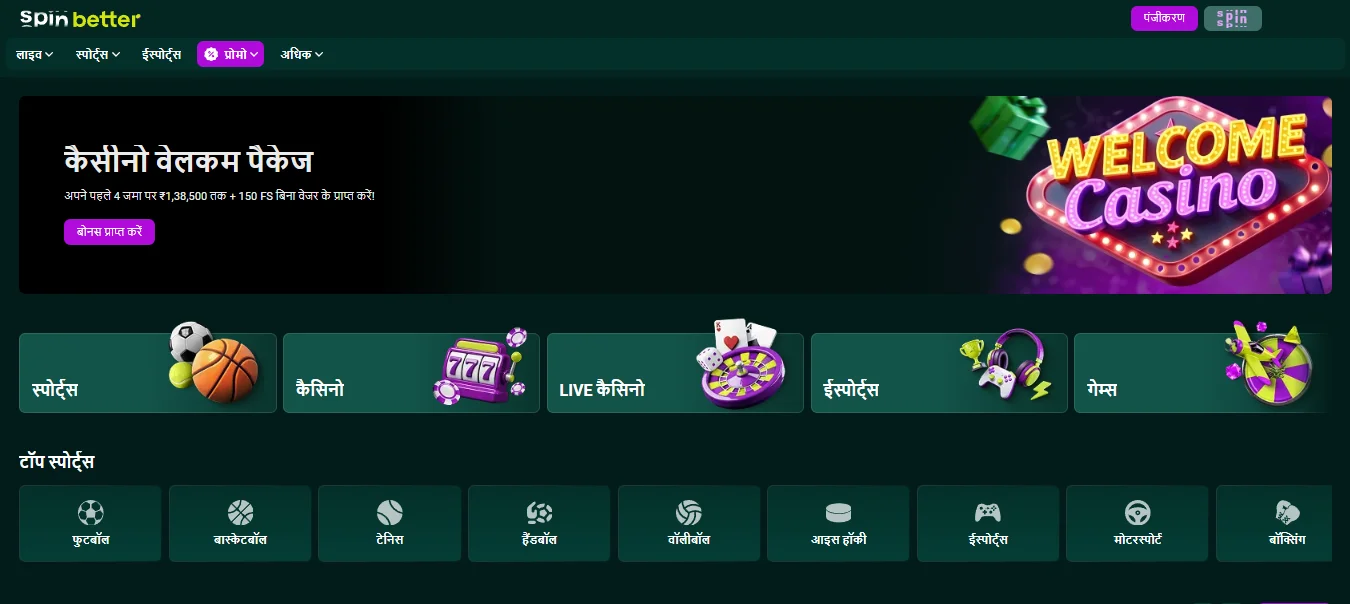
I forgot my SpinBetter password — how to recover it
Password recovery is quick and doesn't require customer support contact in most cases.
- Click "Forgot Password" on the login form. It's below the password field as a text link.
- Enter the email or phone number linked to your account. Whichever you registered with. If you used both during registration, either works for recovery.
- Check your inbox or SMS. Email reset arrives within two minutes normally. SMS OTP is instant. If nothing arrives after five minutes, check spam folders and then try again.
- Click the reset link or enter the OTP. Email links expire after 60 minutes. OTPs expire after 5 minutes. If yours has expired, request a new one.
- Choose a new password. Minimum 8 characters, must include at least one number. Don't reuse old passwords — the system rejects the five most recent ones.
- Log in with the new password. All active sessions are invalidated on password change, so you'll need to re-login on any other devices.
If the recovery email never arrives
First, check spam. Then check you've entered the exact email used at registration — a typo or a different email you sometimes use won't trigger a reset because the account doesn't exist with that address. If you're sure it's the right email and still nothing, contact live chat through the site (no login required) and they'll verify ID and reset manually.
Setting up two-factor authentication (2FA)
2FA is optional but strongly recommended on any gambling account that holds real funds. SpinBetter supports Google Authenticator and any standard TOTP app (Authy, 1Password, Bitwarden built-in, Microsoft Authenticator).
- Log in and go to Account Settings → Security. You'll see a toggle marked "Two-Factor Authentication".
- Toggle 2FA on. A QR code appears along with a backup secret in text.
- Open your authenticator app and scan the QR code. It creates a new entry for SpinBetter that generates a fresh 6-digit code every 30 seconds.
- Save the backup secret somewhere safe. Not in the cloud, not in your email. Write it on paper if you have to. If your phone is lost or wiped, this secret is how you re-establish 2FA.
- Enter the current 6-digit code to confirm setup. Done. Future logins will prompt for a code after your password.
Common SpinBetter login problems and fixes
"Invalid credentials" message
99% of the time this is a typo, a caps lock issue, or a mismatch between which email or phone you registered with. Triple-check the email — use a manual type, not autofill. If certain, try password reset.
Login button doesn't do anything
Browser extension interference — usually ad-blockers or privacy extensions blocking the authentication request. Try the same login in an incognito/private window with extensions off. If it works there, whitelist the SpinBetter domain in your extension.
"Account blocked" or "Account suspended"
This isn't fixable by retrying. You need to contact support. Common causes: duplicate account detected (someone else at your address or IP registered), suspicious activity flagged by risk systems, KYC documentation lapsed. Live chat resolves most of these within an hour if your account is legitimate.
2FA code rejected
Your authenticator app's clock is out of sync with the server. In Google Authenticator, go to Settings → Time correction for codes → Sync now. In Authy, force-quit and re-open. Try again immediately.
Session keeps expiring mid-play
This is almost always a multiple-device issue — if you log in on your phone while desktop is still open, one of the sessions gets kicked after a few minutes as a security measure. Use one device at a time, or explicitly log out of the one you're not using.
Account security best practices
Use a unique password you don't use elsewhere. Enable 2FA. Don't save your password in browsers on shared computers. Don't log into SpinBetter over public Wi-Fi without a VPN. Any unusual login attempt triggers an email notification — take those seriously and change your password immediately if you see one you didn't initiate.
Logging out of SpinBetter
Click your account avatar in the top right of the site and select "Logout". On mobile, the option is under the account tab. Logging out ends your current session but doesn't log you out of other active devices — for that, go to Account Settings → Security → Active Sessions and click "Log out all other sessions".
If you're done playing for the day and want to take a real break, SpinBetter's responsible gambling tools let you set a session time-out or a temporary self-exclusion. Our responsible gambling page covers those tools in detail.
Login and the SpinBetter casino section
The "SpinBetter casino login" search is really the same flow as above — there's no separate login for the casino side of the platform versus the sportsbook side. One account, one password, access to everything. Once you're in you switch between casino, sports, esports, live dealer and games freely. Bonus opt-ins and balances are tracked per product, but authentication is unified.
Security features on the SpinBetter platform
On the back-end, SpinBetter runs standard gambling-industry security: SSL encryption on all traffic, PCI-compliant payment processing, risk engines that flag unusual betting patterns or login locations, mandatory KYC for withdrawals above set thresholds, and session timeouts on idle accounts. On your end, what you can control is the password strength, 2FA status, and which devices are allowed to stay signed in.
If you see a login from a location or device you don't recognise in the Security tab, change your password immediately and enable 2FA if it wasn't already on. The platform emails you for every new-device login as a tripwire.
Need to create an account first?
Registration takes 90 seconds and activating the welcome package just needs promo code SPINNOW entered on the sign-up form.
Sign up nowFAQ
How do I log into SpinBetter?
Open the official SpinBetter site, click the "Login" button top right, enter your registered email or phone number and password, then submit. If 2FA is enabled, enter the code from your authenticator app. On mobile, the app remembers credentials and biometric login is offered after the first sign-in.
What do I do if I forgot my SpinBetter password?
Click "Forgot Password" on the login form, enter the email or phone number you registered with, and you'll receive a reset link by email or OTP by SMS. The reset link expires in 60 minutes, the OTP in 5. Choose a new password (minimum 8 characters, at least one number) and log in again.
Why can't I log into my SpinBetter account?
Most SpinBetter login failures are either a mistyped email, a case-sensitive password issue, a browser cache problem, or 2FA out-of-sync. Try clearing cache, disabling autofill, and if 2FA is enabled, checking that your authenticator's time is synced. If the account is flagged as blocked, that needs live chat support.
Can I stay logged into SpinBetter permanently?
The "Remember Me" checkbox keeps you signed in for about 14 days on the same device and browser. On the mobile app, login persists indefinitely until you manually log out or the app cache is cleared. Biometric login makes app re-entry essentially frictionless.
Is there a separate login for SpinBetter casino?
No. One account gives you access to casino, sports, esports, live dealer and the Games section. The "SpinBetter casino login" search term is just users looking for the standard login page. Bonuses and opt-ins are tracked separately per product but authentication is unified.
Is SpinBetter login different on the app vs the website?
Credentials are identical and accounts sync in real time. The only difference is the app supports biometric login after the first sign-in, which the mobile browser doesn't. You can be logged in on both simultaneously, though some actions may log out the older session for security.