SpinBetter APK Download: App for Android and iOS in India
The SpinBetter APK is what most Indian players end up using because the mobile app is more stable than the browser version and unlocks an exclusive free bet that web users don't get. This guide walks through the full download and install process for both Android (APK sideload) and iOS (Apple TestFlight), covers device requirements, explains why the app isn't on Google Play or the App Store, and lists every feature you get in the mobile build.
Total install time on Android is about 90 seconds from fresh device to logged in. On iOS it's closer to three minutes because of the TestFlight step. Both are straightforward once you've done them once.
Get the SpinBetter app now
Download the Android APK or grab the iOS TestFlight build. Full welcome package and exclusive app-only free bet apply.
Go to download pageWhy the SpinBetter app isn't on Google Play or the App Store
Google and Apple both block real-money gambling apps from their stores in most countries, India included. This isn't a SpinBetter limitation — every offshore sportsbook and casino app that takes Indian accounts (1xBet, Parimatch, Dafabet, Melbet) distributes the same way. Android uses a signed APK file you install directly. iOS uses Apple TestFlight, which is actually Apple's own beta distribution system, so the apps are still signed by Apple and sandboxed properly.
The upside: installing outside the store means the app can update more frequently and doesn't need to pass Google or Apple review for every feature change. The downside: you need to trust the source, which is why you should only download from the official SpinBetter site and not from third-party APK mirrors that sometimes inject modifications.
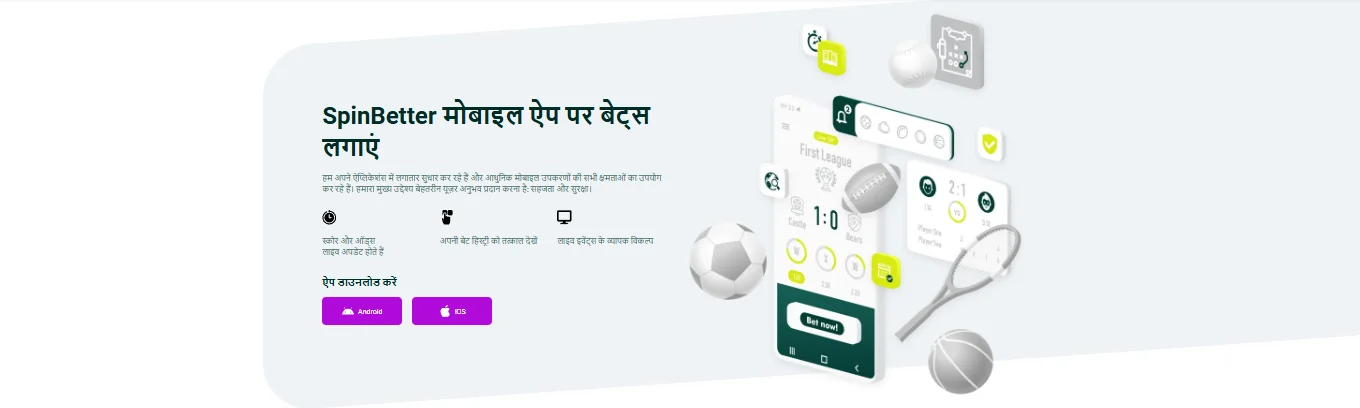
How to download and install the SpinBetter APK on Android
You need Android 5.0 or newer, about 80 MB of free storage, and an internet connection. Any phone from the last seven or eight years handles it comfortably.
- Open the SpinBetter official site on your Android browser. Chrome, Firefox and Samsung Internet all work. Desktop browsers in mobile view mode will not — you need the actual mobile site detecting you're on Android.
- Tap the Android download button. On the mobile app page there's a button marked "Download for Android" that serves the APK file directly. Depending on your browser you may see a warning about downloading files — accept it.
- Enable "Install from unknown sources" for your browser. When you open the downloaded APK, Android will prompt you to enable installation permissions for the browser that downloaded it. On Android 8+ this is per-app rather than system-wide, which is safer. Grant it, back out, and reopen the APK from your downloads.
- Tap install and wait. The package is around 70 MB, installation finishes in 15–20 seconds.
- Open the app and log in or register. If you don't have an account yet, the app has a registration form built in. Our registration guide walks through the bonus-opt-in choice you'll face on the first deposit.
Only download from the official site
Searching "spinbetter apk" in Google will surface dozens of third-party download mirrors. Some are fine, some add tracking, some are outright malicious. The official download link on the SpinBetter site is signed with SpinBetter's developer certificate — if you install something from a mirror, you have no guarantee it matches.
How to install the SpinBetter iOS app through TestFlight
iOS is slightly more involved because Apple doesn't permit sideloading. The workaround uses Apple's official TestFlight beta programme, which is how thousands of legitimate developers distribute apps to testers.
- Install TestFlight from the App Store. It's a free app made by Apple itself. Search "TestFlight" in the App Store and install normally.
- Open the SpinBetter site on Safari. Go to the mobile app page and tap the iOS button. This hands off an invite link that opens TestFlight.
- Accept the TestFlight invite. TestFlight will prompt you to accept the SpinBetter beta. Tap accept, then tap install. The app downloads like a normal App Store install.
- Open SpinBetter from your home screen. The icon will have a small orange dot next to it indicating it's a TestFlight build. That's normal.
- Re-install every few months when TestFlight windows expire. Apple limits TestFlight builds to 90-day windows. When a build expires, the SpinBetter site posts a new invite and you re-install. This is annoying but it's how TestFlight works for every beta app, not a SpinBetter issue.
Device requirements
| Platform | Minimum OS | Recommended | Storage | RAM |
|---|---|---|---|---|
| Android (APK) | Android 5.0 | Android 9+ | 80 MB free | 2 GB+ |
| iOS (TestFlight) | iOS 13 | iOS 15+ | 120 MB free | Any iPhone 6s or newer |
Low-end Android phones (1GB RAM, very old Snapdragon chips) will technically run the SpinBetter app but live dealer streams and Aviator may stutter. For the best experience you want a phone from roughly 2019 onwards on either platform.
What you get in the SpinBetter app
The app is a full platform — everything the desktop site has, optimised for one-handed phone use.
Full casino library
All 10,000+ slots, live dealer tables, Aviator and crash games, tournaments. The lobby filters work the same as desktop.
Full sportsbook
Cricket, football, tennis, basketball, UFC, esports, kabaddi. Pre-match and live, with quick-bet sliders.
Indian payments
UPI, PayTM, PhonePe, Net Banking, cards and crypto. Deposits land instantly, withdrawals go through the same rails.
Push notifications
Goal alerts, odds changes on saved markets, promo notifications. Granular on/off in app settings.
Quick bet slip
Build accumulators with a tap, cash out before an event finishes, re-bet previous slips from history.
Exclusive free bet
Place ten qualifying bets in the app and receive a free bet worth the average stake, up to 10 EUR.
The exclusive app free bet offer
This is the incentive that pushes most Indian players from browser to app. Place ten bets of at least 1 EUR each through the SpinBetter app, and the platform credits you a free bet worth the average stake of those ten bets, capped at 10 EUR. The bets must be singles at odds of 1.40+ or accumulators with 2+ selections each at 1.30+.
The free bet itself has to be wagered in a pre-match or live accumulator with 4+ selections each at odds of 1.40+, within 72 hours of being credited. Handicap and total bets don't qualify. Also: one free bet per account, household and IP — you can't create multiple accounts to stack this.
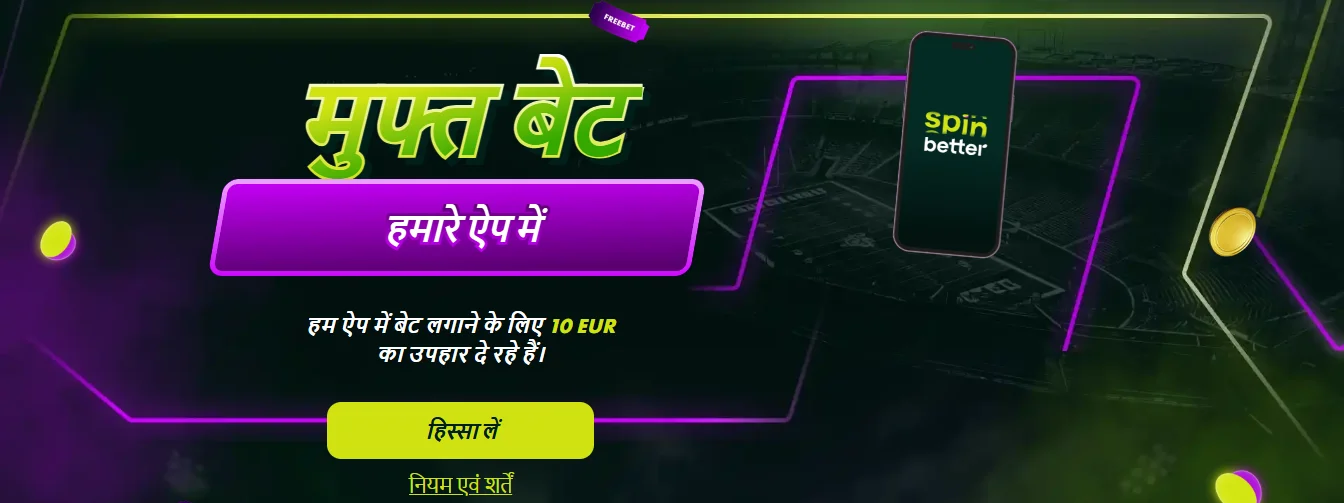
It's a modest offer — 10 EUR isn't life-changing — but it's functionally a no-deposit bonus that rewards app usage, which most sites don't provide. Combined with the welcome package described on our bonuses page, the app gives you two separate bonus routes running in parallel.
App vs browser: which should you use?
Both work from the same account — you can log in on the app and the browser interchangeably, no separate sign-up. Based on our testing:
| Aspect | SpinBetter App | Mobile Browser |
|---|---|---|
| Launch speed | Instant | 2–4 seconds |
| Live stream quality | 1080p, low lag | 720p, occasional buffer |
| Navigation | Bottom tab bar, one-handed | Hamburger menu |
| Free bet offer | Eligible | Not eligible |
| Push notifications | Yes | No |
| Updates | Prompted in-app | Always current |
| Install friction | Initial APK / TestFlight | None |
For casual use, the browser is fine. For regular play — anything more than once a week — the app is noticeably better. The free bet offer alone covers the install friction if you bet regularly.
Troubleshooting common app issues
APK won't install on Android: Usually a permissions issue. Go to Settings → Apps → Special access → Install unknown apps, find your browser, toggle it on, then try the APK again.
"App not installed" error on Android: You probably already have an older version installed. Uninstall the old one fully (including app data), then install the new APK. Don't worry about your SpinBetter account — login credentials are server-side.
TestFlight build says "Expired": Normal after 90 days. Go to the SpinBetter site, get the new invite, re-add in TestFlight, re-install. Your account carries over.
Can't see the free bet offer: You need to opt in via "Take Part" on the offer page before placing the ten qualifying bets. Opting in after the fact doesn't retroactively apply.
Deposits fail inside the app: Try the same deposit through the browser first to confirm it's not a payment-provider issue. If the browser works and the app doesn't, force-close the app and reopen.
Updating the SpinBetter APK and keeping the app current
The Android app checks for updates on launch. When there's a new version available, you'll see a prompt — tap update, which downloads the new APK over the old one. You don't need to uninstall. iOS TestFlight updates come through TestFlight automatically when Apple pushes them.
Keep notifications on for the app itself at least for updates — security patches and live-stream compatibility fixes are occasionally pushed outside the regular update cycle, and running an old version can cause live dealer tables to stop loading.
Ready to download the SpinBetter app?
Android APK and iOS TestFlight both live on the official site. Registration inside the app takes 90 seconds, and the welcome package applies identically on mobile.
Download SpinBetterFAQ
Is the SpinBetter app available on Google Play Store?
No. Google Play doesn't allow real-money gambling apps in India, so the SpinBetter APK has to be downloaded directly from the official site. This is standard for every offshore gambling app that takes Indian accounts.
How do I install the SpinBetter APK on Android?
Download the APK file from the official SpinBetter site, enable "Install from unknown sources" in your Android settings for your browser, open the file and tap install. Total time is about 90 seconds. The app is about 70 MB.
Is the SpinBetter app available on iOS?
Yes, through Apple TestFlight — which is Apple's official beta distribution channel. Install the free TestFlight app from the App Store, then use the invite link on SpinBetter's download page to add the SpinBetter build. Re-installs needed every 90 days when TestFlight windows expire.
Is the SpinBetter APK safe to install?
The APK hosted on the official SpinBetter site is signed and matches the web platform code. Only download from the official source — third-party APK mirrors sometimes inject ads or modified code. The iOS TestFlight build is signed by Apple so authenticity isn't a concern there.
What's the exclusive offer for SpinBetter app users?
Place ten qualifying bets of at least 1 EUR through the app, and receive a free bet worth the average stake, up to 10 EUR. The free bet must be used in an accumulator with 4+ selections at odds 1.40+ within 72 hours. Limit one per account/IP/household.
Does the SpinBetter app use the same account as the website?
Yes. Your credentials, balance, bonuses and history are all server-side, so logging into the app gives you the same account as the browser. You can even be logged in on both simultaneously.
Can I download the SpinBetter app from outside India?
The Android APK download works from most countries. The iOS TestFlight build is region-gated by Apple's TestFlight rules, which occasionally excludes certain regions. If the TestFlight invite doesn't work for you, the mobile browser version of SpinBetter is the fallback.